Your cloud.
Your terminal.
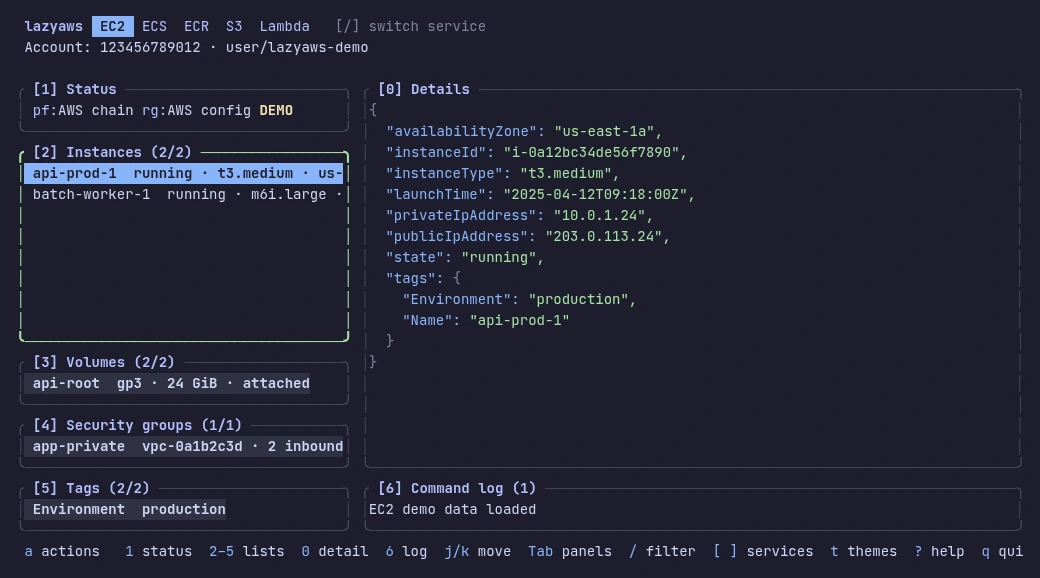
Meet Lazy AWS. A keyboard-driven home for your AWS resources.
Browse, inspect, and act. Without the console shuffle.

Less setup.
More getting things done.
A terminal, Rust, and you. Start with the demo, then bring your own AWS account.
Rust and Git are needed for the demo. AWS CLI v2 and configured credentials are needed for your account.
- 1
Get the source
Clone the repository and open the project.
terminalgit clone https://github.com/capybara-brain346/lazyaws.git cd lazyaws - 2
Take it for a spin
Start with local sample data. No AWS account or credentials needed.
terminalcargo run -- --demo - 3
Connect your account
Use an existing AWS CLI profile. Sign in first if your profile uses SSO.
terminalaws sso login --profile dev cargo run -- --profile dev --region eu-west-1 - 4
Make yourself at home
Build the release binary and see all available options.
terminalcargo build --release ./target/release/lazyaws --help
A small learning curve.
A lot less clicking.
Three stops. Then you know your way around.


Find your bearings.
Switch services, move between panes, and select a resource. Your account and region stay in view.
View demo capture 
Go one level deeper.
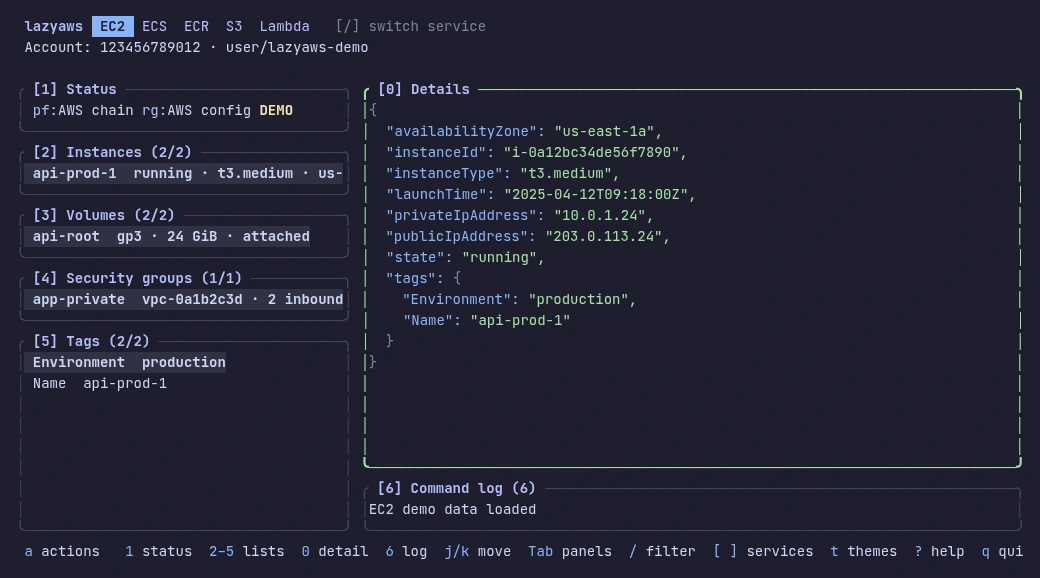
Filter a list, then open the selected resource’s JSON details. Related resources are right beside it.
 View demo capture
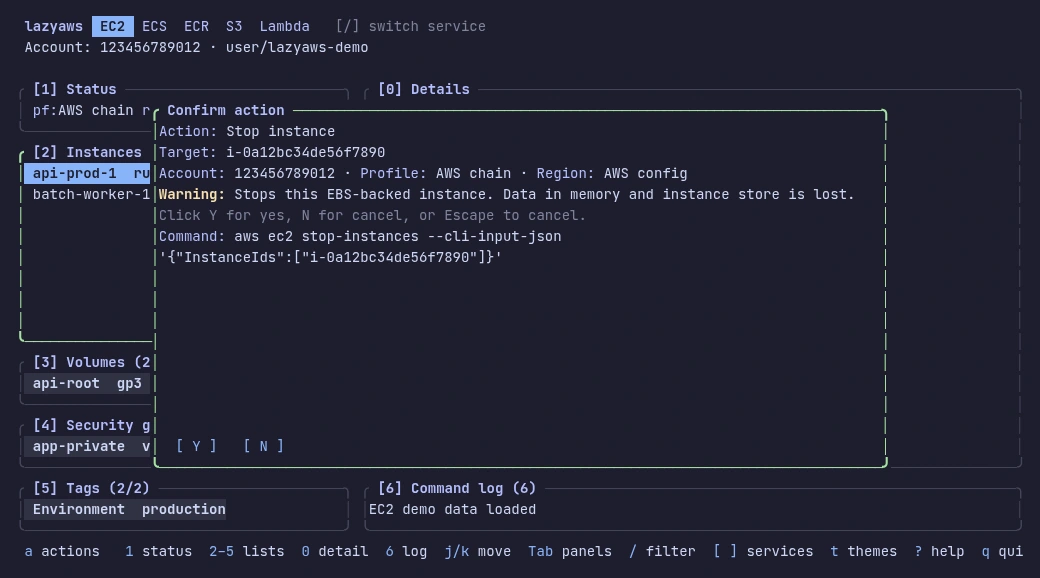
Know what will run.
Open an action and review the account, target, and exact AWS CLI command. Run it only when you confirm.
 View demo capture
That’s the short version. Explore the service guide